Staging
Product page: https://www.mekotronics.com/h-pd-108.html
To install Armbian you have to use rkdeveloptool.
The guide can be found here: rkdeveloptool flashing guide
| Testing results | Armbian 26.05 |
|---|---|
| Kernel | Vendor 6.1.115 |
| Boot | 🟢 Works (U-Boot 2026.04) |
| HDMI | 🟢 Works |
| Ethernet | 🟢 Works |
| WiFi | 🟢 Works (150-200mbps download / 40 mbps upload) |
| Bluetooth | 🟢 Works |
| GPU | 🟢 Works |
| Audio | 🟢 Works (tested via HDMI) |
| USB | 🟢 Works |
Fast, verified download & flash (recommended)
Armbian Imager is a lightweight, native flashing tool that supports both selecting and downloading an Armbian image before flashing, as well as flashing an already downloaded image.


Different images? Missing features? -> Download SDK Looking for compatible accessories? Want to participate in development?
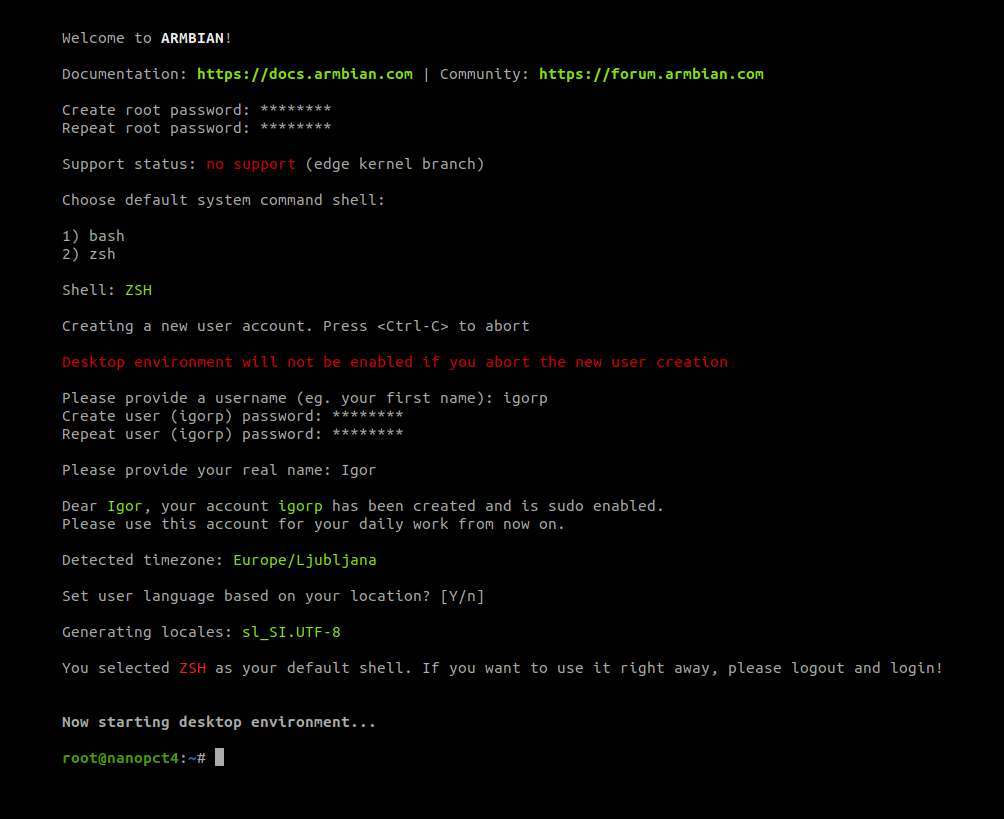
Use armbian-config utility to adjust your system settings
Specifications
* Specifications differ from hardware revision, model and software support level
FAQs
Make sure you have a good & reliable boot media (SD card / USB key) and a proper power supply. Archives can be flashed with Etcher (all OS) directly.
Insert the SD card into the slot, connect a cable to your network if possible or a display and power your board. (First) boot (with DHCP) takes a bit longer.