
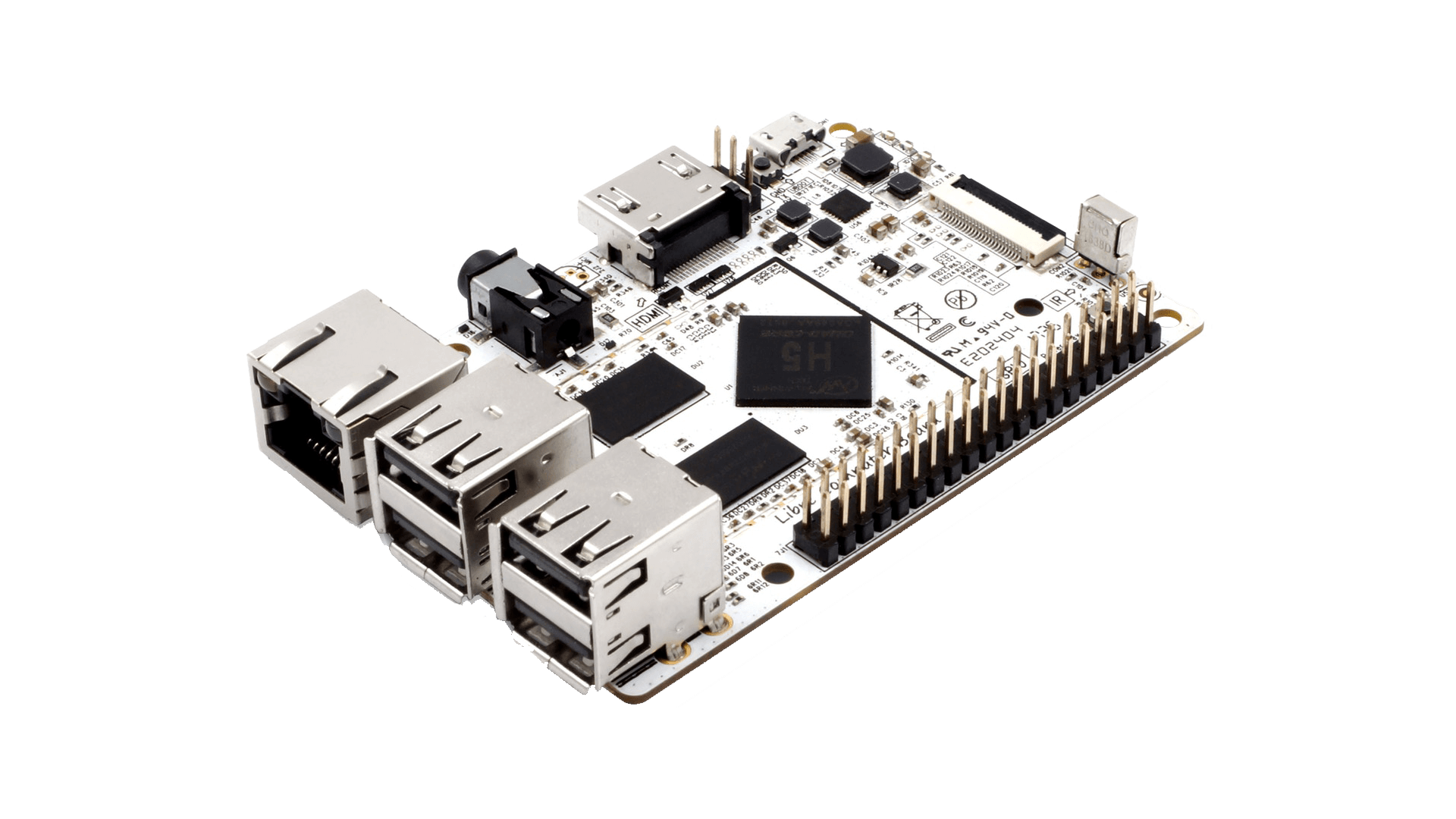

Fast, verified download & flash (recommended)
Armbian Imager is a lightweight, native flashing tool that supports both selecting and downloading an Armbian image before flashing, as well as flashing an already downloaded image.


Different images? Missing features? -> Download SDK Looking for compatible accessories? Want to participate in development?
Minimal/IOT images with Armbian Linux v6.12
Build Date: Mar 18, 2026
| Distro | Variant | Extensions | Torrent | Integrity | Size | |||||
 Ubuntu 24.04 (Noble) Ubuntu 24.04 (Noble) |
Minimal / IOT |  |
SHA | ASC | 245.5 MB | |||||
| * Minimal images have very small footprint. They come only with essential packages and build-in systemd-networkd. They are optimised for automation and production deployments. | ||||||||||
Dedicated applications images with Armbian Linux v6.12
Build Date: Mar 18, 2026
| Distro | Application | Torrent | Integrity | Size | ||||||
 Debian 13 (Trixie) Debian 13 (Trixie) |
Home Assistant | |
SHA | ASC | 510.2 MB | |||||
| * 3rd party unofficial applications deployment made with official Armbian build framework. Application support is not provided by Armbian team, but you are welcome to use our community forums for support. | ||||||||||
Specifications
100tx 1wire 32bit 4 core CAN UASP docker eMMC i2c spi wireguard Allwinner H3
* Specifications differ from hardware revision, model and software support level
FAQs
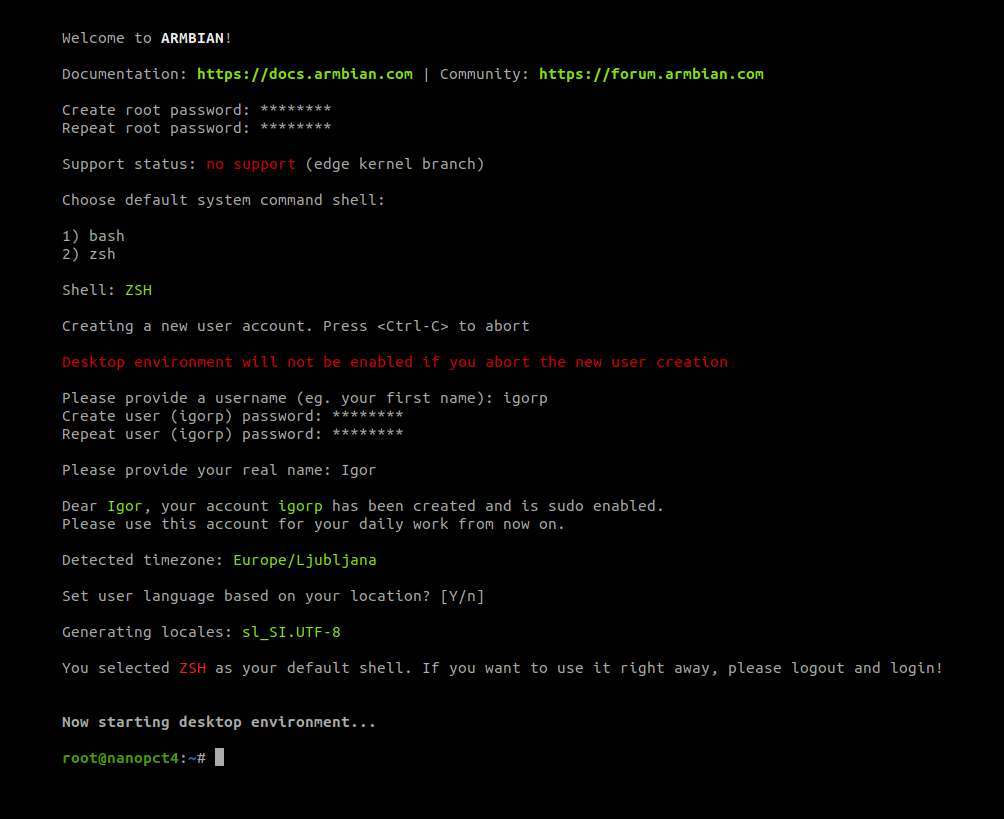
Support is provided in one of two ways:
- Free support is provided via general project search engine, documentation, community forums or IRC/Discord. Keep in mind this is mostly provided by our awesome community members in a best effort manner and therefore there are no guaranteed solutions.
- For commercial or prioritised assistance:
- book a an hour of professional consultation,
- consider becoming a project partner.
- Reach us out at https://armbian.com/contact,