KDE Neon desktop is currently broken. Please use different one, until this gets fixed.
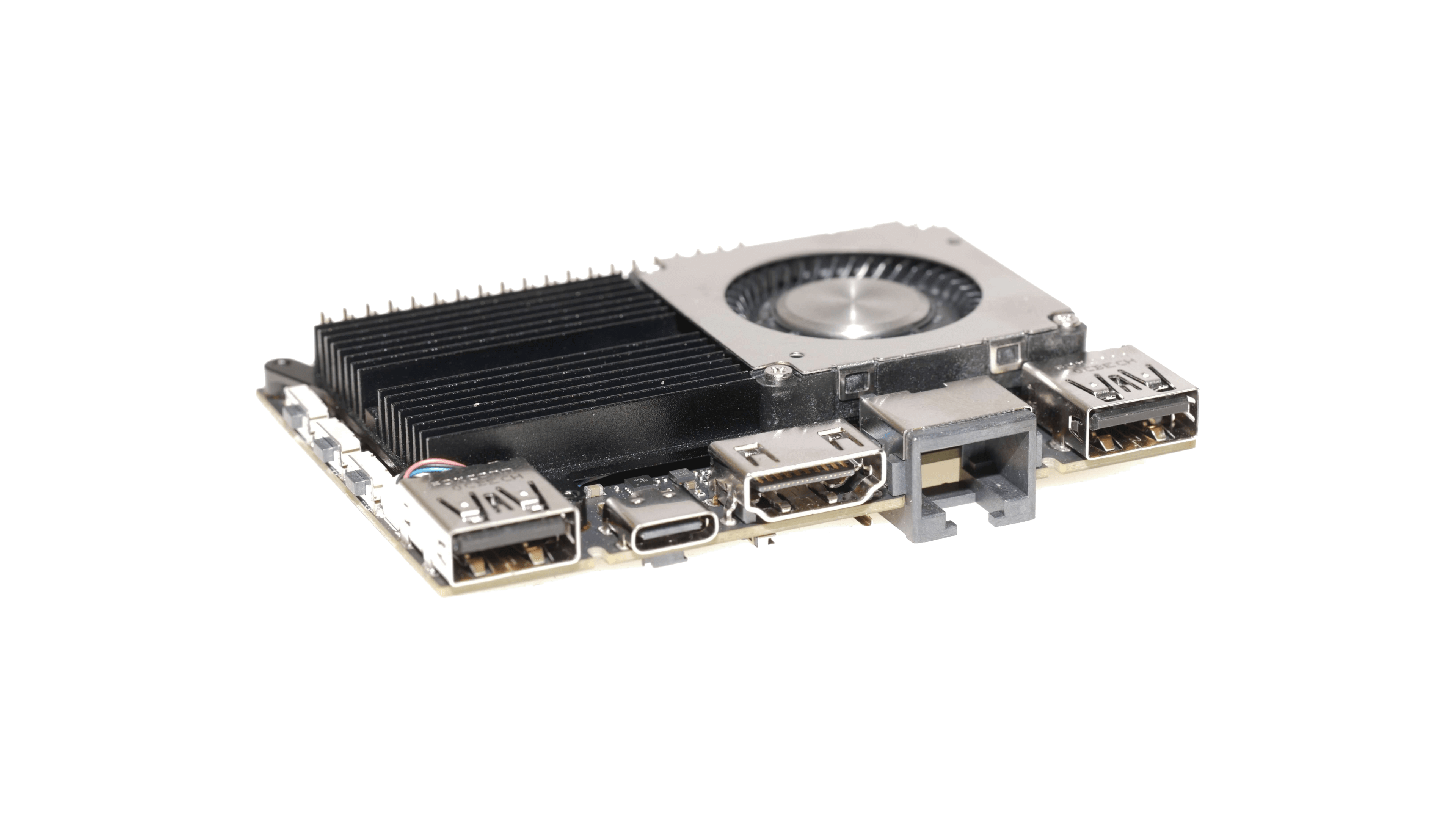

KDE Neon desktop is currently broken. Please use different one, until this gets fixed.


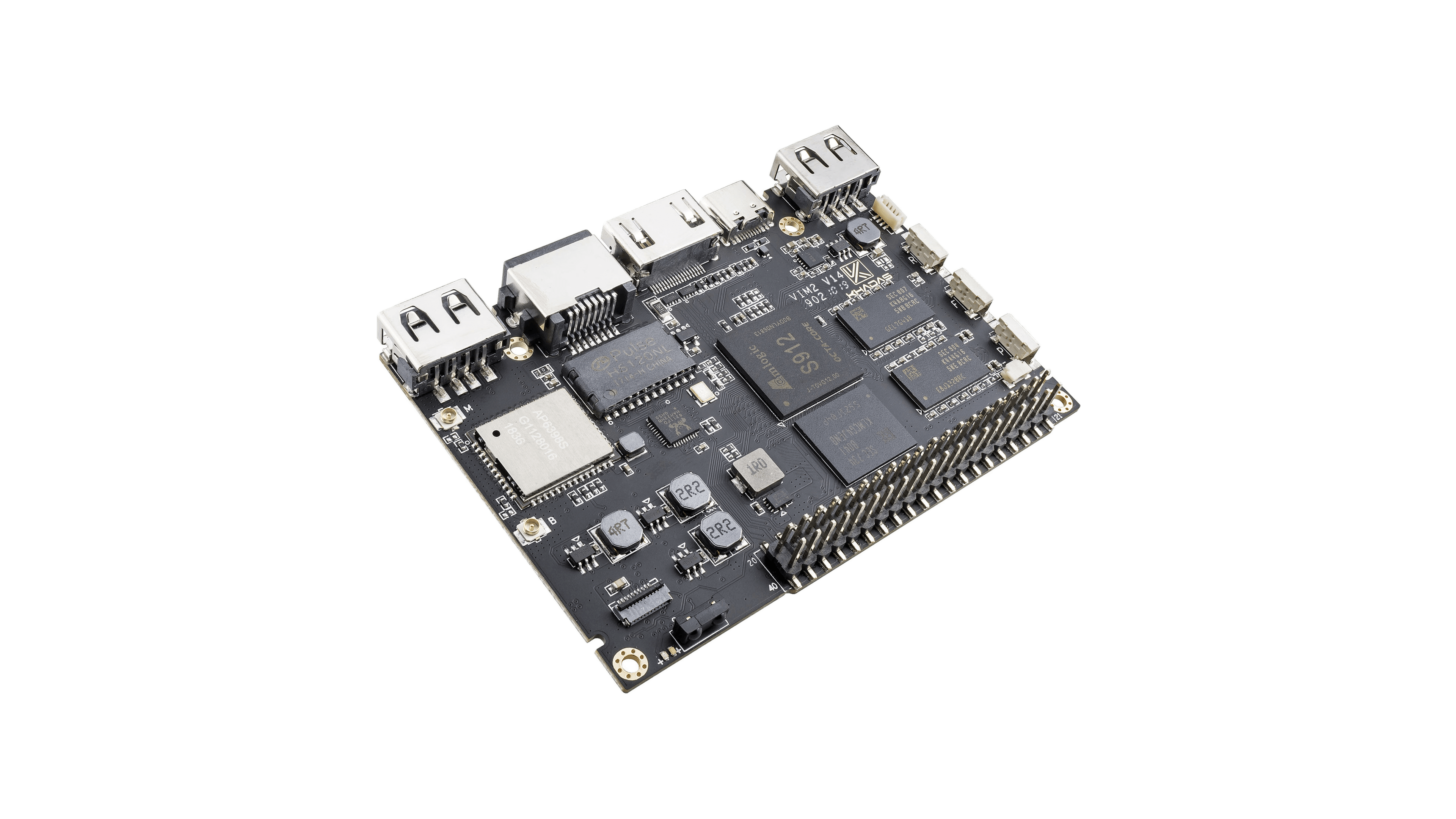
Serial console:
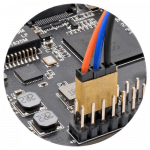
Blue color line: Tool Pin TXD, orange color: Tool Pin RXD, black: Tool Pin GND
How to boot from SD card? After power on, quickly press the Function key 3 times in 2 seconds, then release the key. More at official manual.
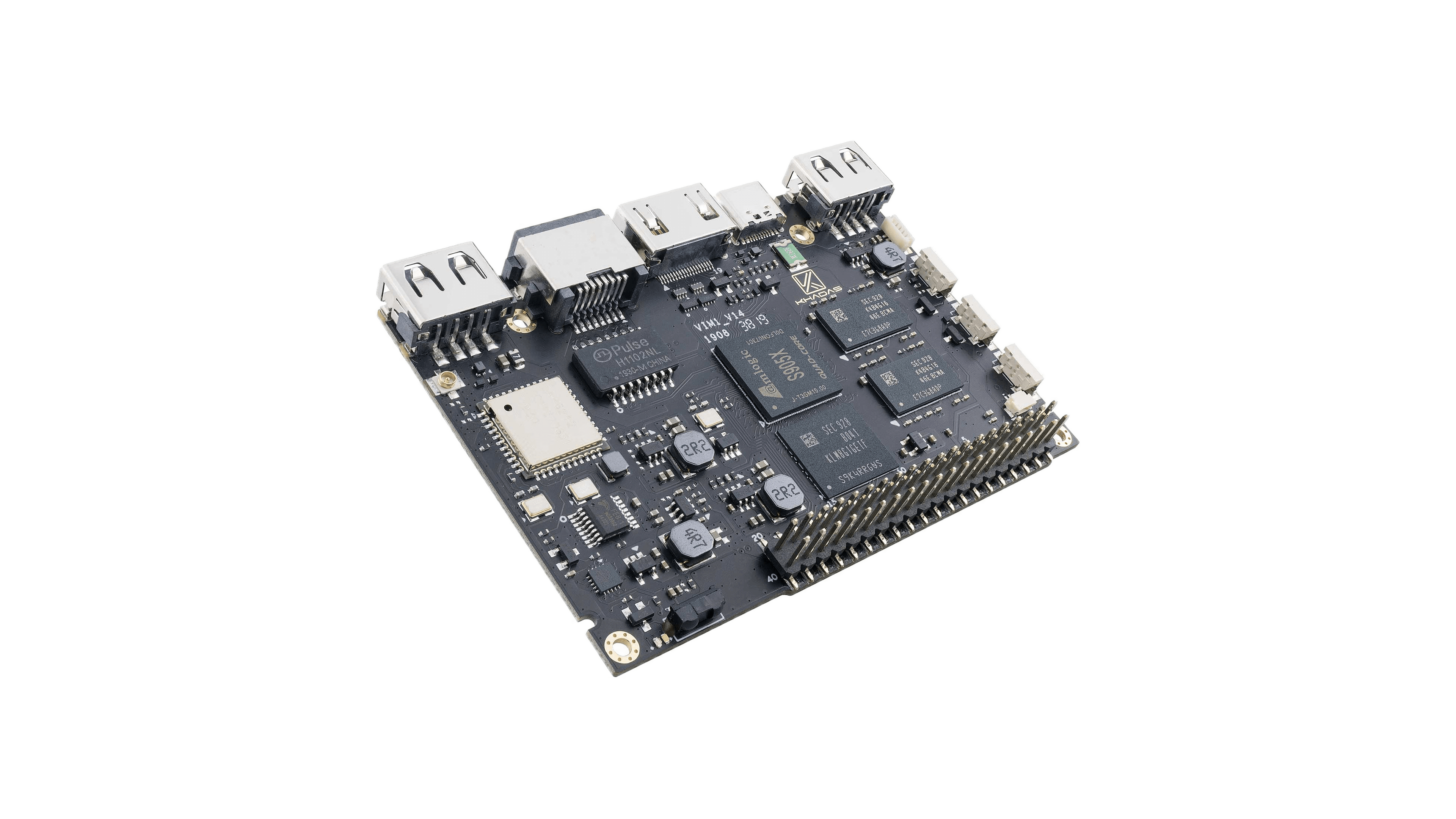
To be able to boot Armbian SD card image and install Armbian to eMMC, use one of the methods to boot into upgrade mode. If you have most recent board revision (1.4 ->) then you only need to quickly press the function key (middle) 3 times in 2 seconds. Release and boot will proceed from SD card. Then use nand-sata-install utility to flash to eMMC.
Serial console:
Blue color line: Tool Pin TXD, orange color: Tool Pin RXD, black: Tool Pin GND